A free program for Android, by Solus UK Ltd.
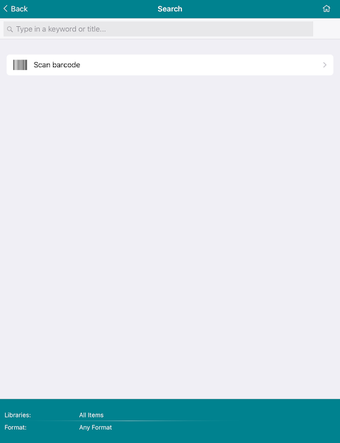
The SWAN App is a library that allows users to search the catalog of items, check out a book, return it, or place it on hold, all from their Android device. You can also renew a book, update a profile, and change your account information. In addition, you can access the catalog of items, check out a book, return it, or place it on hold, all from your Android device.
How do I get started?
To use the SWAN App, you first need to have a SWAN library account. You can create an account by visiting your local library, or by logging into your account with your library card number and password.
Once you are logged in, you can search the catalog of items, check out a book, return it, or place it on hold.